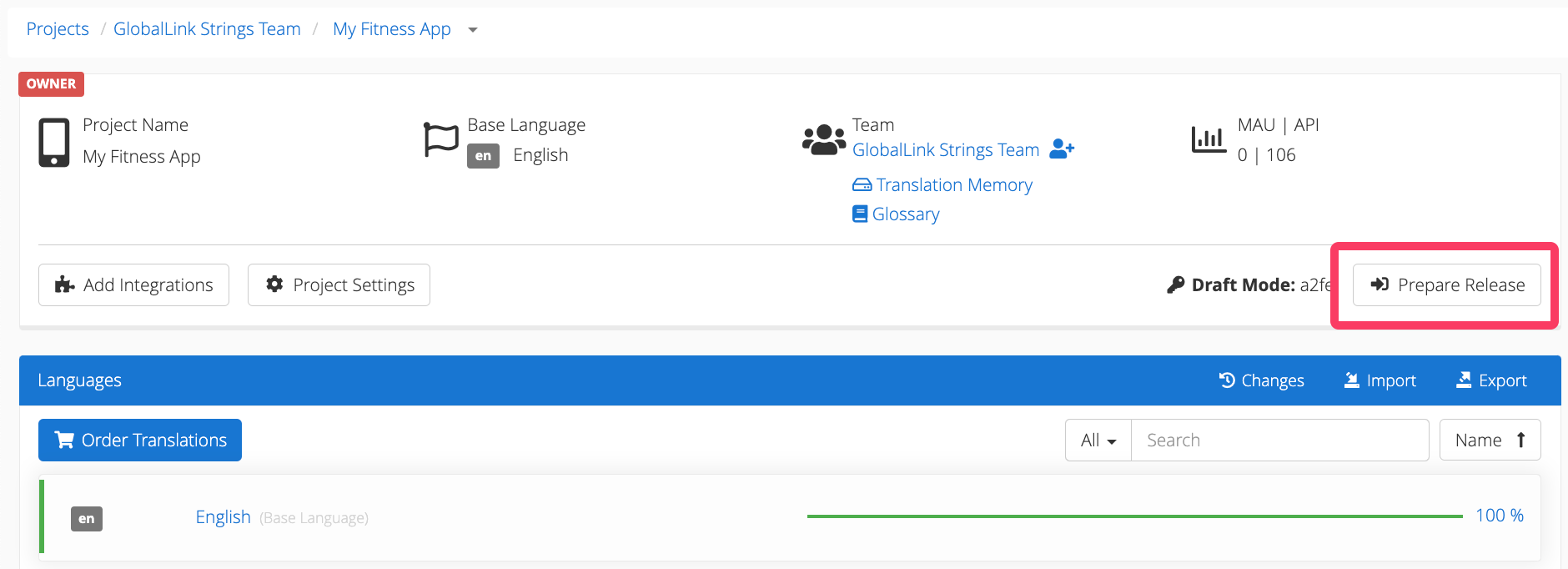

Prepare your app for release with the GL Strings Settings File
This article will show users how to download the GL Strings Settings File in preparation for an app release. Updating the GL Strings Settings File with every release is highly recommended in order to keep the latest version of an app’s localized content available to all users, even when they are offline.
Before uploading the latest version of an app to one of the stores, GL Strings users must first visit the Prepare Release page to download the latest Settings File. Users must also follow the steps outlined in the GL Strings integration documentation to include the GL Strings Settings File in the latest version of the app.