
Add character restrictions to your keys
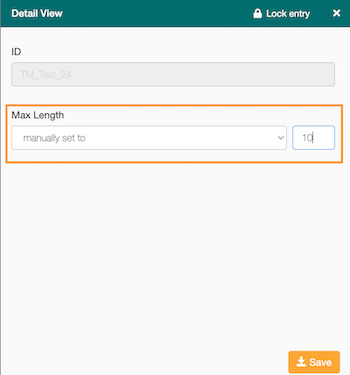
GL Strings allows users to set a character restriction or Max Length for a string value, be it in the Base language or in any target language inside a project.
Character restrictions can be added through the dashboard or via API. In this article, we explain how to manage character restrictions from the dashboard.
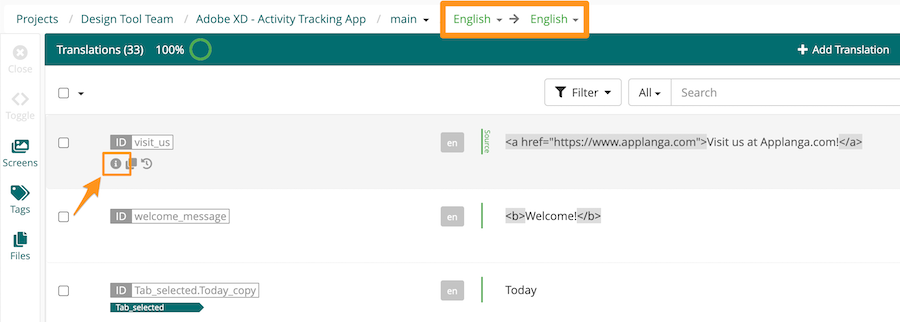
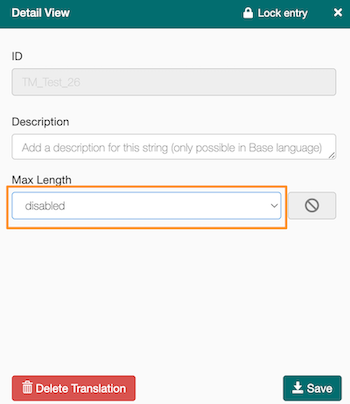
📝 Note: For a given key, if there is no restriction on the target language, but there is a restriction on the base language, the target language will inherit the base language restriction.
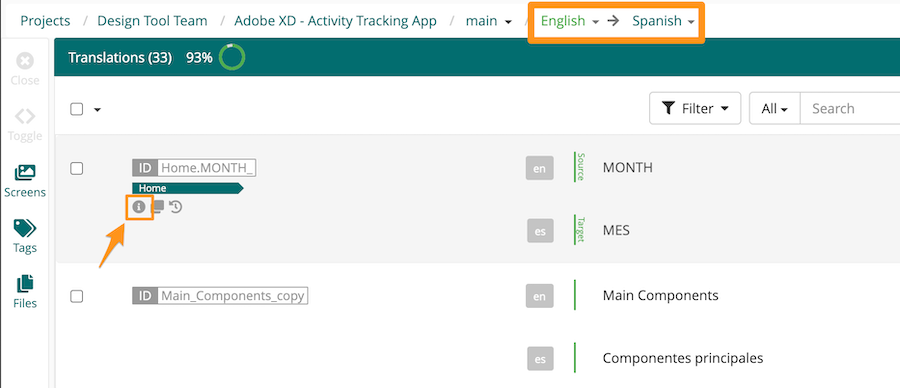
By default, character restriction in the target language is set to equals base language, but it's only enforced when the character restriction in the base language has been manually set.
Click Save.
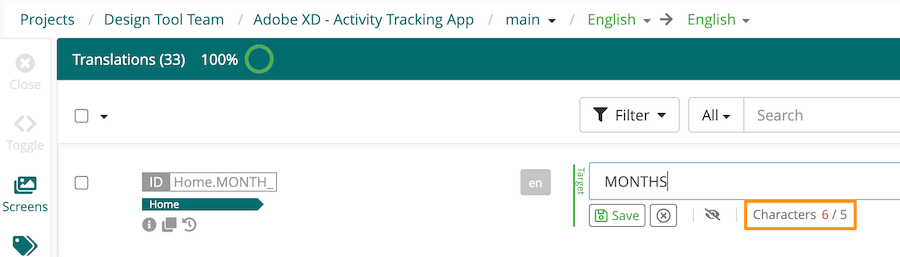
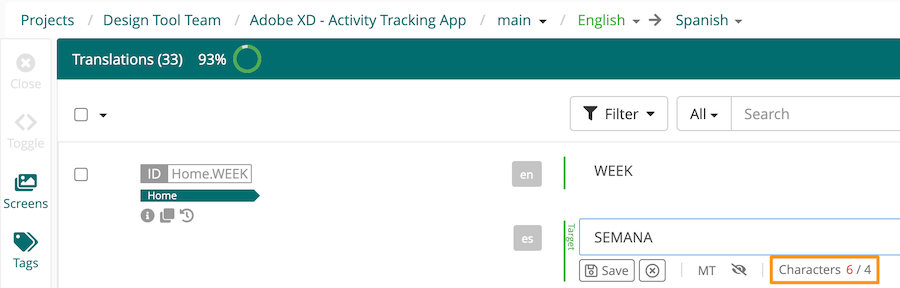
When translating or reviewing content in GL Strings, users can view the character limit for a given string value to the right of the character count. If the limit is exceeded, a warning will display next to the string value.
This is what it will look like in the Base language;
and in the target language:
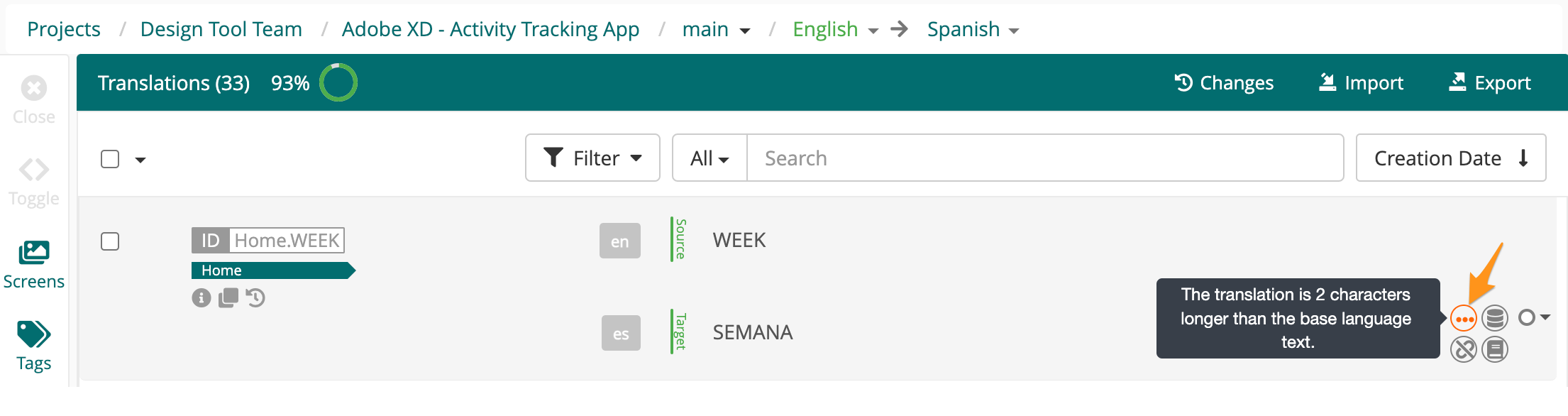
When a character limit is exceeded, a yellow warning will display next to the string value. Hovering over the warning will show how much the string value exceeds the max length.
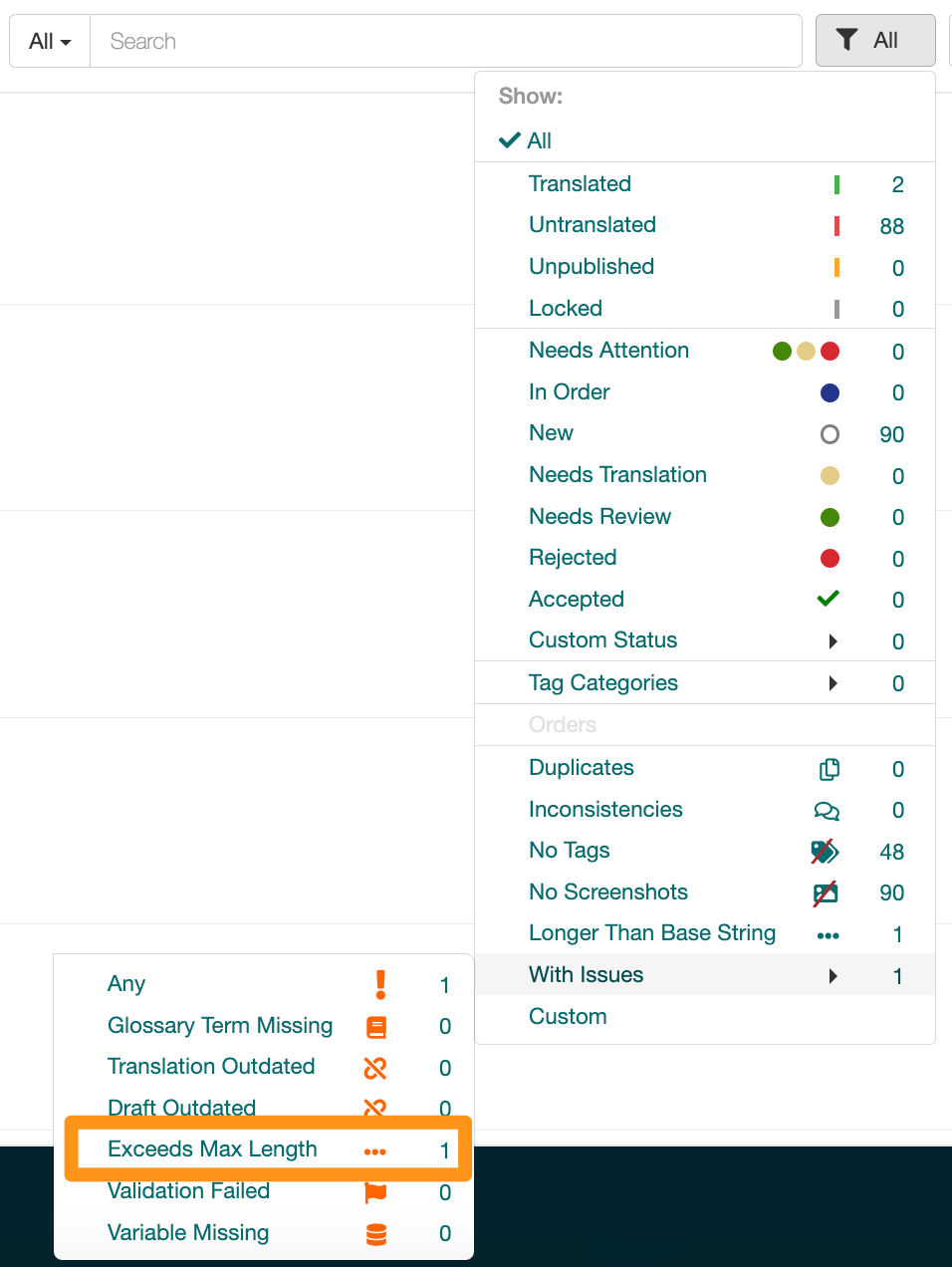
Additionally, users can easily filter for keys that exceed a character limit by clicking Filters > With Issues > Exceeds Max Length.
The Longer Than Base String filter option allows users to filter for keys where the translation length exceeds the Base language length. This option will include all keys that meet this condition, even if there are no manually set restrictions.
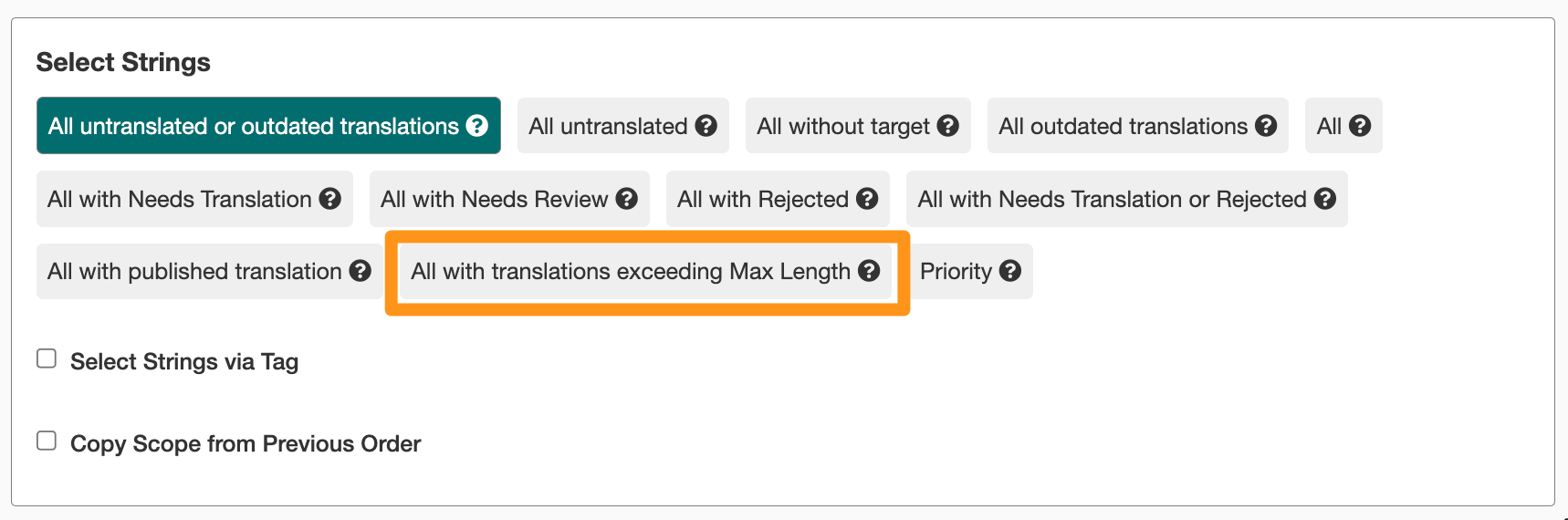
When creating a new translation order, users can select All with translations exceeding Max Length in the Scope panel. This way, only keys that exceed a manually set character limit will be included in the order’s scope.
This is helpful when translations delivered via the order interface are deemed too long after review. Users can send those translations back to TransPerfect for another review round and the production of shorter translations.