

How changes are tracked
The GL Strings Change log can be accessed at various levels:
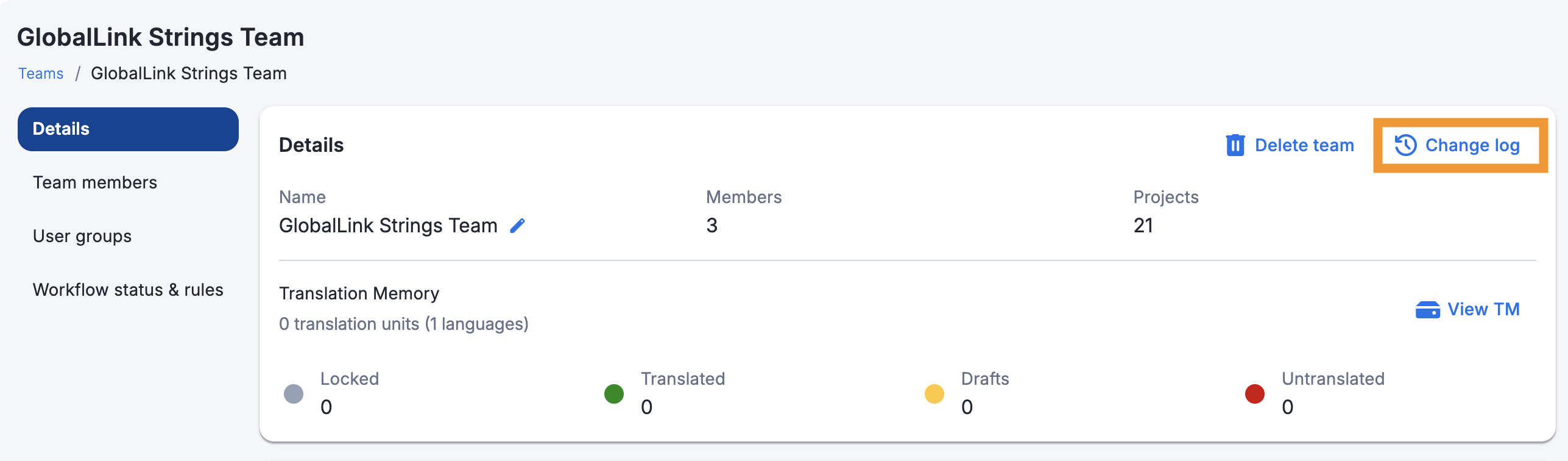
Navigate to the Team page > click the Change log button
Navigate to the project > click the Change log button on the Details panel
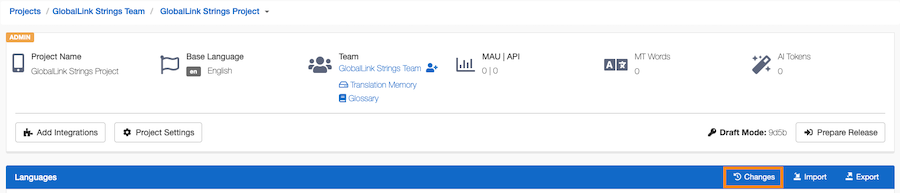
Navigate to the language(s) > click the Change log button at the top-right corner

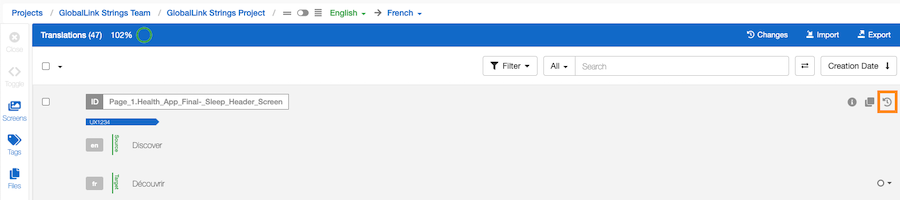
In the Editor, hover over the entry > click the history icon to right of the key
The Change log, by default, shows all changes in reverse chronological order with the most recent change at the top.
The individual logs within the change log show three pieces of information:
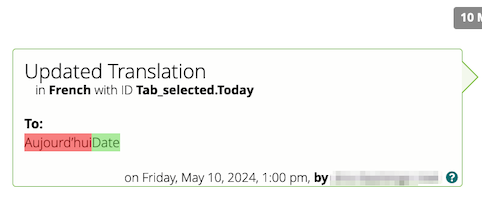
The individual logs' display mode, by default, is a diff view, highlighting changes through color-coding:
Clicking the Track changes icon will switch the display mode to a From/To View, showing both versions in full.
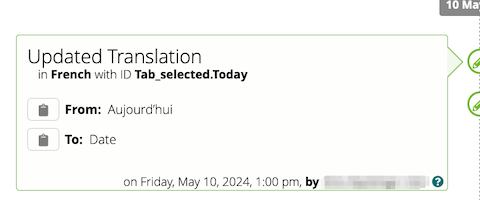
Clicking on the clipboard icon in the From/To View copies the selected value to the clipboard for use (for example, if it's necessary to revert a particular edit).
In the dropdown menus at the top, the change log can be filtered by:
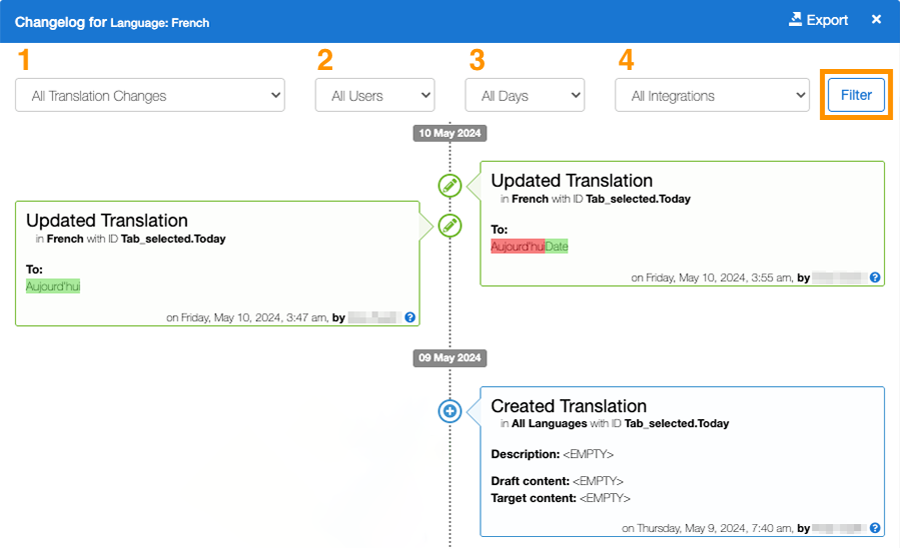
The first dropdown filters the change log to display specific types of changes/events. Some of the most helpful filters include the following:
The second dropdown filters the change log to display changes/events made by a specific user. There are some default GL Strings users in the user dropdown.
The third dropdown filters the change log to display changes/events made by the integration.
The fourth dropdown filters the change log to display changes/events within a specific timeframe. Users also have the option to apply a custom date range to help track and identify specific changes.
The change log can be exported (see Roles & Permissions) by clicking Export at the bottom right corner of the change log display.

Select the timeline (the timeline or date selection is limited to a 7-day period within the last 6 months) and click Export.
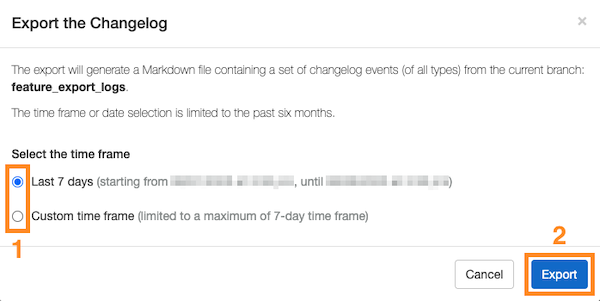
The export will generate a Markdown file containing a set of change log events (of all types) from the current project or, in the case of branching projects, from the current branch.